
Split Any Expense
Divide expenses equally, by percentage, or by exact amounts. Works for any group size.
Oweize is the simplest way to split bills, track budgets, and settle up with friends, roommates, and travel groups. Free on all platforms.
Available on iPhone, Android, and any browser.
150+
Countries
5.0
App Store Rating
155+
Currencies Supported
Start splitting expenses in under a minute. No complicated setup, no learning curve.
Add friends, roommates, or travel companions. Invite them with a link or search by name.
Log expenses as they happen. Assign who paid and select who the expense is split between.
View running balances and settle up when ready. Everyone sees the same totals in real time.


Oweize handles the details so you can focus on the experience, not the math.
Divide expenses equally, by percentage, or by exact amounts. Works for any group size.
See who owes whom at a glance. Balances update instantly as expenses are added or settled.
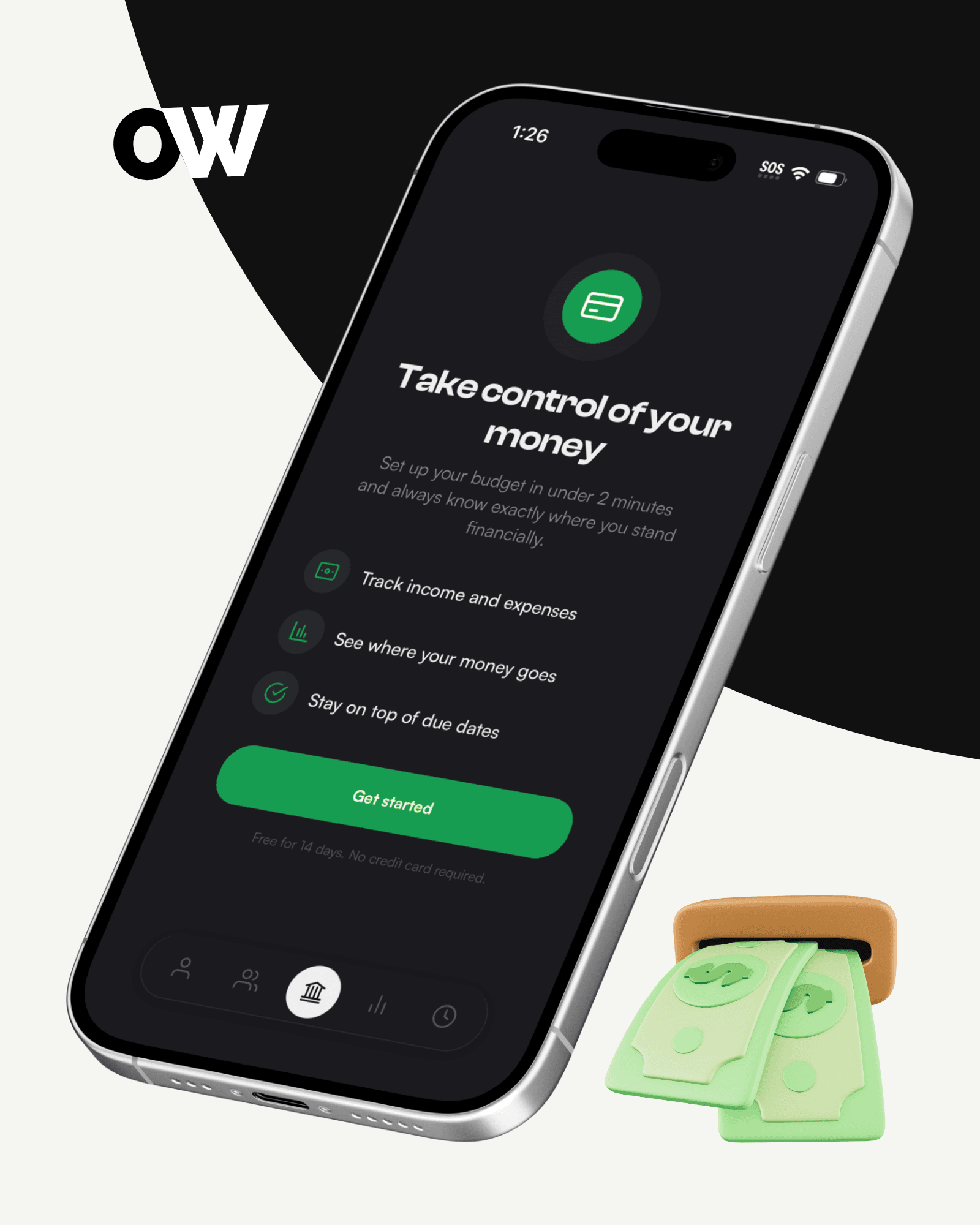
Set spending limits for categories or groups. Track progress and get alerts before you overspend.
Snap a photo of any receipt and Oweize extracts items automatically. Split individual items between people.
Create groups for trips, households, or events. Keep expenses organized and see group totals.
Log expenses in over 155 supported currencies. Balances are tracked in the currency they were recorded in.
Experience smarter, stress-free financial management backed by simplicity, security, and powerful insights.
Automate your expense splitting and tracking, so you can focus on what matters — not crunching numbers.
Access up-to-date balances and dashboards anytime, anywhere, giving you full visibility into group finances at a glance.
Set custom budgets and receive smart alerts, helping you control overspending and meet your financial goals with ease.
Expense splitting is free forever. Upgrade only when you need budget tracking or bank connections.
Split expenses with friends and groups. No limits, no catches.
Full budget tracking with manual entry, CSV import, and export reports.
Automatic bank sync and advanced financial management. Available in the US, Canada, UK, and Europe.
Upload a CSV from any bank in the world. AI automatically detects your bank format, maps columns, and imports your transactions — no manual setup needed.
And thousands more. If your bank exports CSV, Oweize can import it. Available on the Plus plan.
Connect securely via Plaid. Thousands of banks and financial institutions supported across the US, Canada, UK, and Europe. Available on the Pro plan.
And thousands more banks, credit unions, and financial institutions.
Got questions? We have answers to help you get started with confidence.
Yes. Expense splitting is completely free with no limits. Optional Plus and Pro plans unlock budget tracking, bank connections, and more.
Oweize is built for speed and simplicity. It offers receipt scanning, budget tracking, real-time balance syncing across all devices, and a clean interface that gets out of your way.
Yes. All group members need to sign up on Oweize to be part of a group and see shared expenses and balances.
Yes. You can log expenses in over 155 supported currencies. Balances are tracked in the currency they were recorded in.
Set spending limits for any category or group. Oweize tracks your progress in real time and alerts you when you are approaching your limit.
Absolutely. Bank connections are handled securely through Plaid -- Oweize never sees or stores your bank credentials. Your expense data is encrypted and stored securely.
Yes. Oweize is available on the web at web.oweize.com. It works on any modern browser and syncs with your mobile app data. web.oweize.com
Oweize is available on iPhone (App Store), Android (Google Play), and any modern web browser.
Join thousands of people who use Oweize to keep shared spending simple and track budgets effortlessly. Free on all platforms.
Free to use. Works on iPhone, Android, and any web browser.